


Trusted by
100+
businesses already downloaded ZunoBill
Offline-First POS, GST Billing
& Inventory
Software

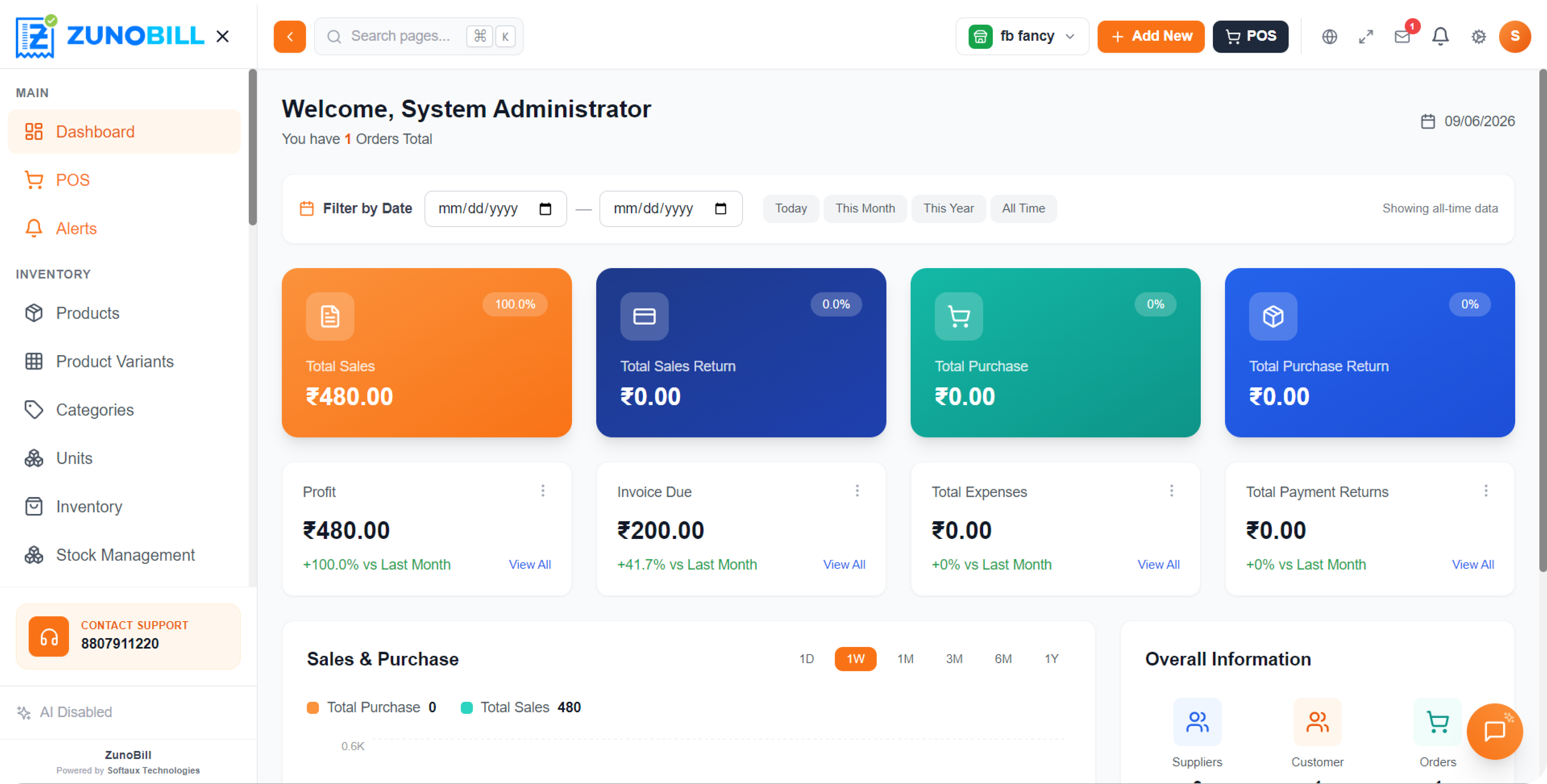
One Windows desktop app for pharmacy, grocery and retail. GST-ready invoices, AI invoice scan, batch & expiry tracking, customer loyalty, staff management — all working fully offline.

%201.svg)
About ZunoBill
One desktop app that runs your billing, inventory & reporting — even offline
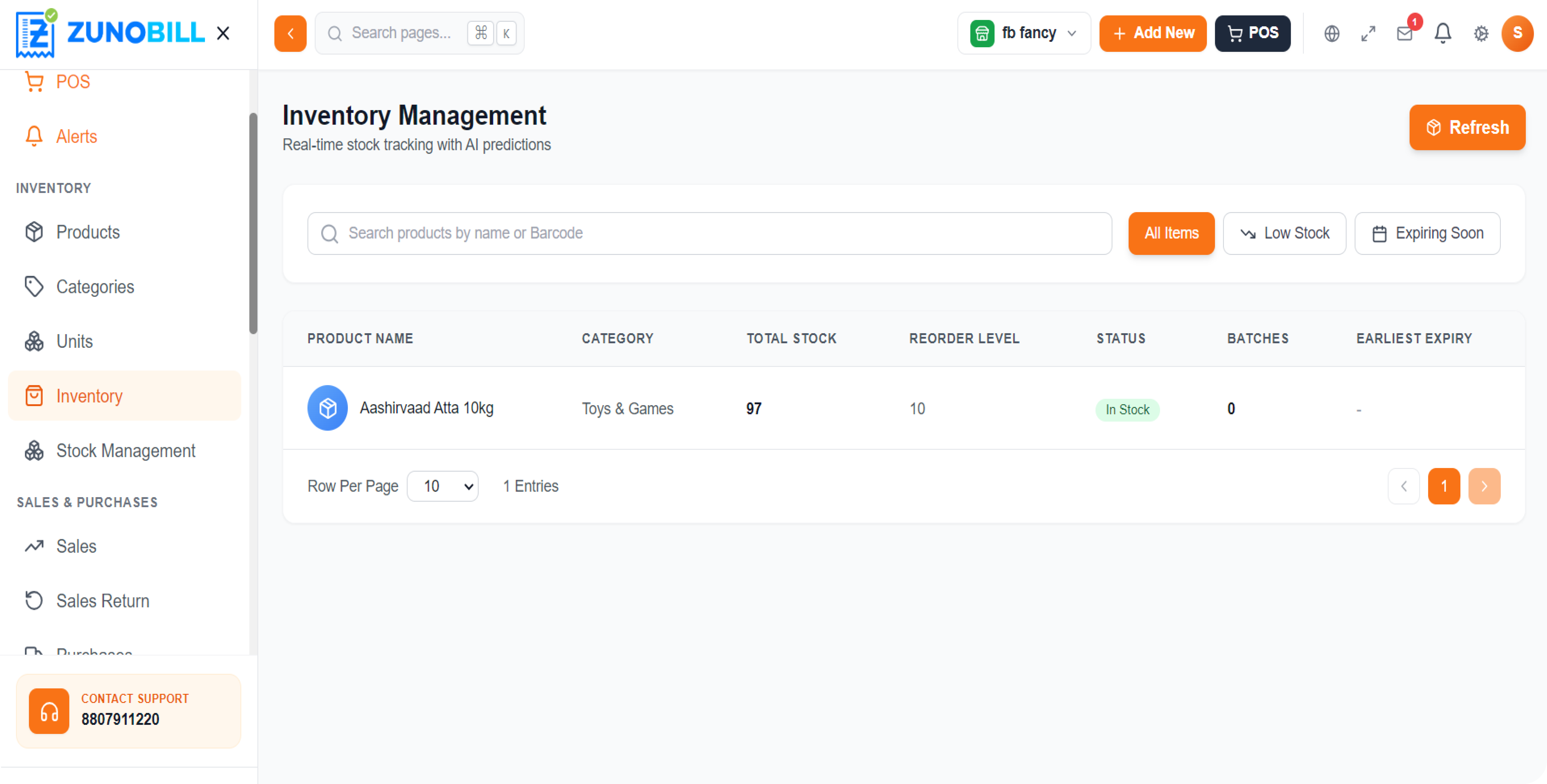
ZunoBill is a Windows desktop app built for Indian shopkeepers. POS, sales, purchases, stock, customers, suppliers, expenses, staff and reports — all running on a local SQLite database, so billing keeps working through power cuts and internet outages. Configure it once for your business type (pharmacy, grocery, electronics, clothing, hardware or general retail) and only the fields that matter to you appear.
100%
Works offline
14-day
Free trial — no card needed
.avif)
Why ZunoBill
Built for the way Indian shops actually run.
Core Modules
Every module your business needs — already inside.

Customer Management
Track every customer with phone, GSTIN, address, outstanding balance, loyalty tier and full sales history — all from one screen.

Supplier Management
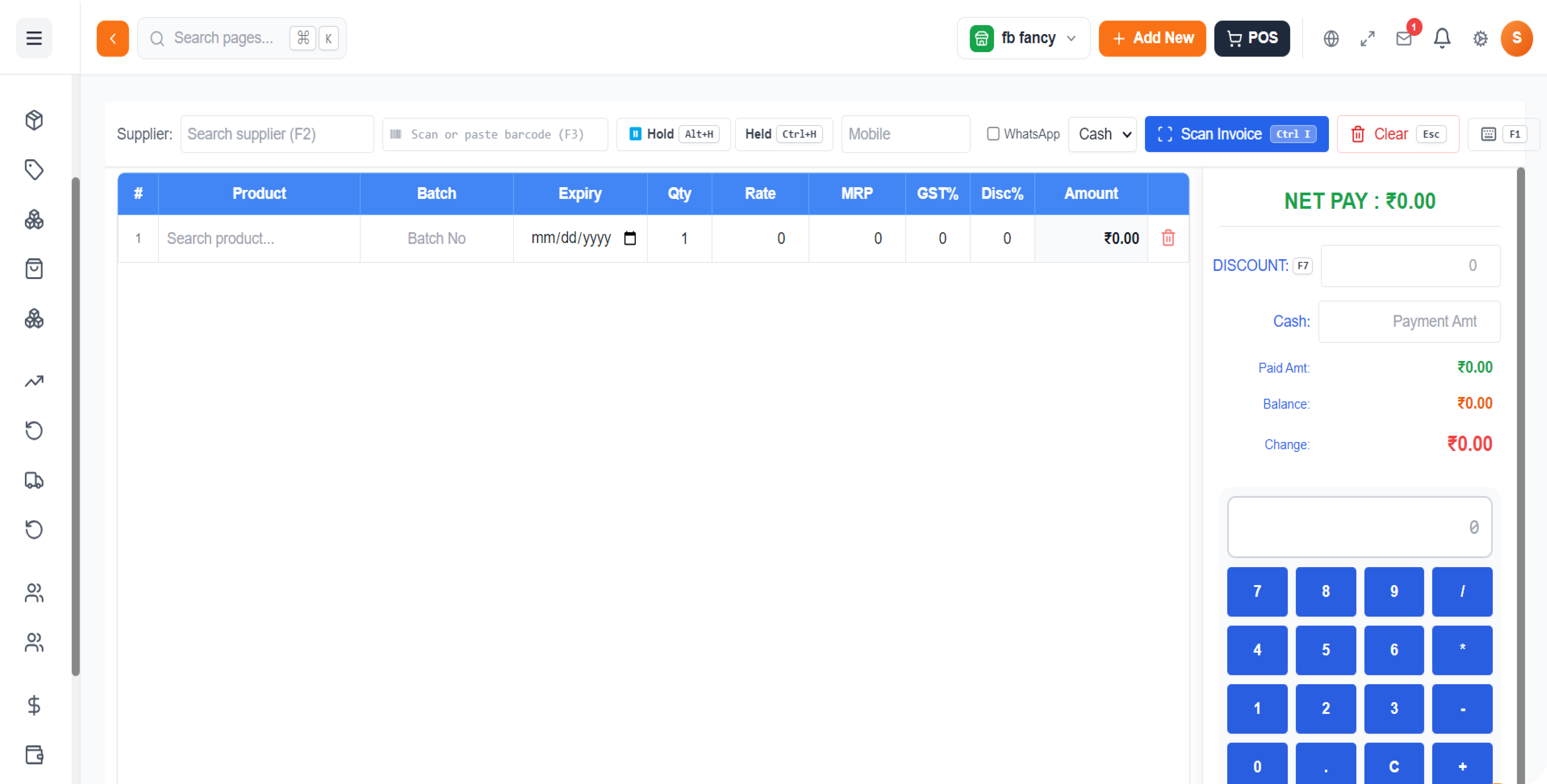
Manage every vendor — contacts, balances and purchase history — and use AI Invoice Scan to add a supplier bill in seconds.

Staff Management
Staff Management centralizes your workforce data, from personal details to job roles, performance, and attendance.

Purchase Management
Add purchases with batch, MRP, expiry and discounts. Keyboard shortcuts make it fast; AI Invoice Scan makes it faster.

Sales Management
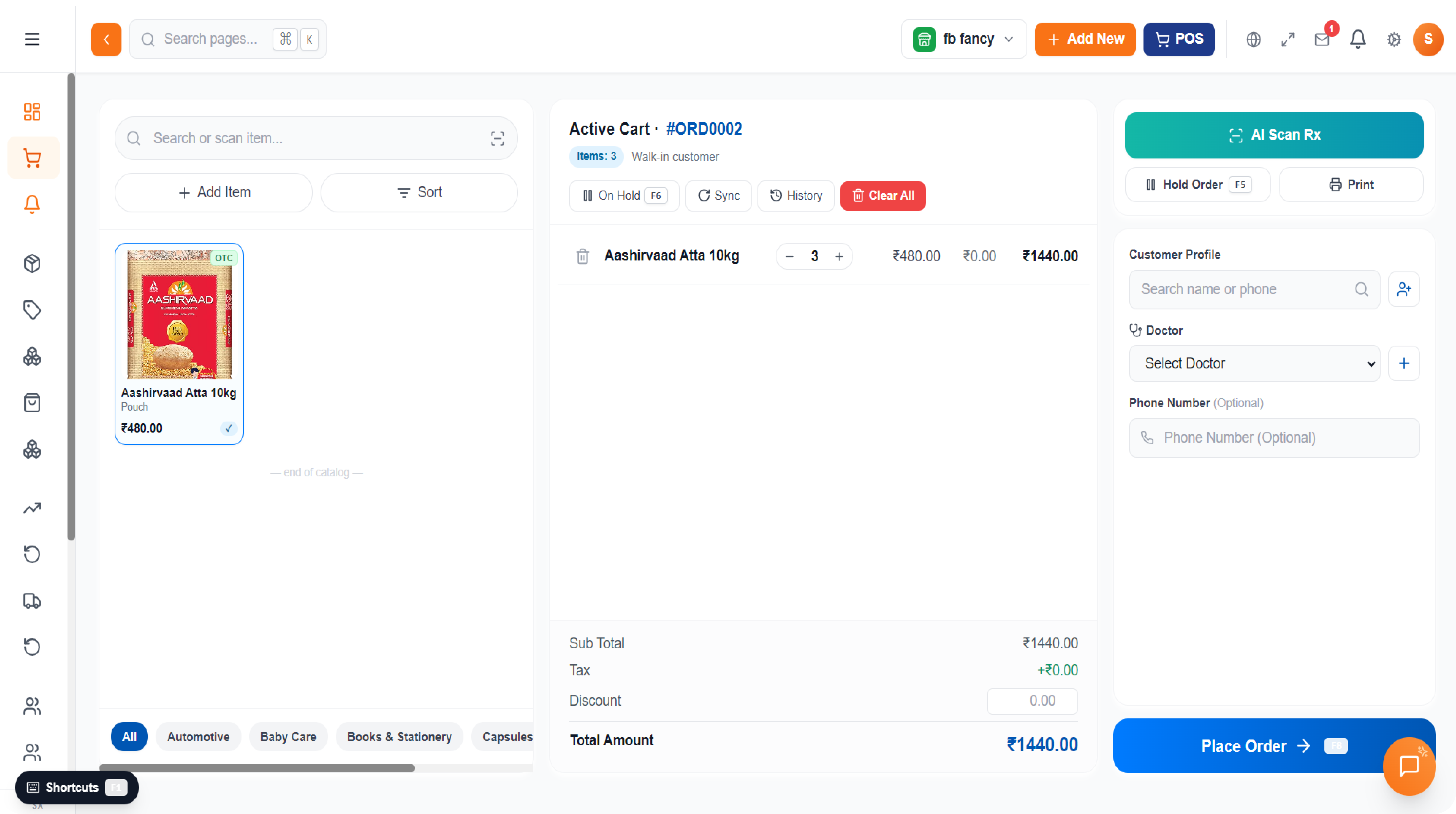
Bill in seconds with the POS, manage held orders, apply discounts & loyalty, and print on 80 mm thermal or A4 with one click.

Payments Management
Record customer payments and supplier settlements, track outstanding balances, and view cash-in-hand at a glance.
.avif)
%201.avif)

.avif)

.avif)

Pricing
Simple pricing. One license, one device, no surprises.
Loading plans…
Multi-Store / Enterprise
Running multiple outlets or need on-site setup? Talk to us about volume licensing, training and custom modules.
Contact Now
What you get

Email + WhatsApp support
On-site / AnyDesk-assisted setup
Volume licensing & staff training
Custom modules & integrations
Contact Us
Questions? We answer in 1 business day.
Address
Softaux Technologies
Chennai, Tamil Nadu — India

Talk to a human
Want a demo, an offline license file, or help picking a plan? Drop a message and we'll get back to you within 24 hours.
Thank you! Your submission has been received!
Oops! Something went wrong while submitting the form.
Common Questions
Frequently Asked Questions
Q1
What is ZunoBill?
ZunoBill is a Windows desktop app for POS, GST billing, inventory and reporting. It works fully offline and is built for pharmacy, grocery, electronics, clothing, hardware and general retail.
Ans
Q2
Does ZunoBill work without the internet?
Yes. The whole app runs on a local SQLite database, so billing, printing and inventory keep working even when your internet goes down. Only license validation needs occasional connectivity.
Ans
Q3
Which business types are supported?
Pharmacy, Grocery, Electronics, Clothing, Hardware and General Retail. Pick yours during setup — only the relevant fields (batch, expiry, prescriptions, variants, warranty) will appear.
Ans
Q4
Is ZunoBill GST compliant?
Yes. CGST, SGST, IGST and Cess are calculated per item with state-code routing for inter-state sales. Invoices print on 80 mm thermal or A4 with all required fields.
Ans
Q5
Can I scan invoices with AI?
Yes. The AI Invoice Scan feature reads supplier name, items, quantities and prices from a photo of a purchase invoice and creates the stock entry for you.
Ans